
Use Wanderburg’s built-in damage numbers first if you only need visible hit values. Hotfix 0.9.13 added an official damage-numbers option in the settings tab. The unofficial Damage Stats mod remains a different tool: its author documents a rolling damage view, per-weapon contribution and estimated upgrade effects. The author’s test baseline is Wanderburg EA 0.9.8 on Windows; we have not run the mod or confirmed compatibility with 0.9.13 or later.
Official damage numbers or the Damage Stats mod?
Turn on the official setting when you want damage values without adding a loader or plugin. The 0.9.13 announcement confirms the setting but does not describe a rolling DPS window, per-weapon share or upgrade recommendation model. Choose the community mod only if those extra views justify installing third-party code and you have checked its current release against your game version.
- Built-in option: settings-tab toggle, no mod required, officially added in 0.9.13.
- Community mod: separate Windows x64 setup with BepInEx; compatibility and controls depend on the selected mod release.
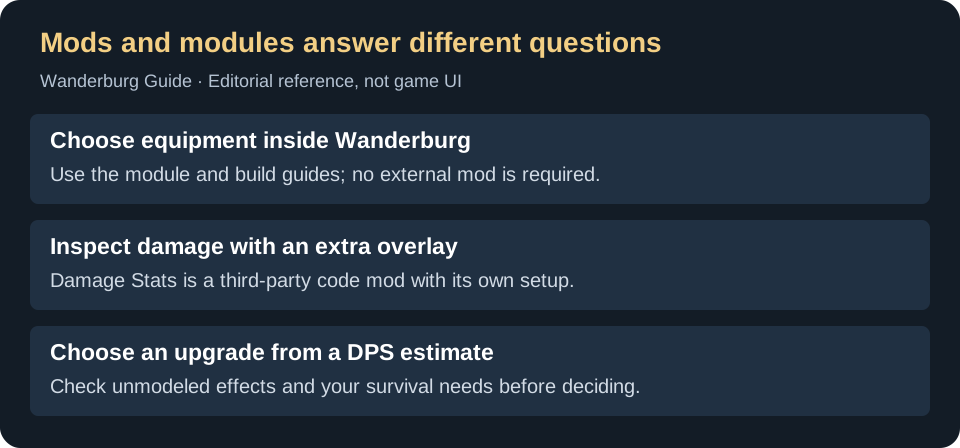
This distinction prevents a common unnecessary step: visible damage numbers no longer require the mod. The mod still has a separate use when its additional analysis is the actual goal. It remains separate from the weapon modules you equip inside the game.
What does Damage Stats show?
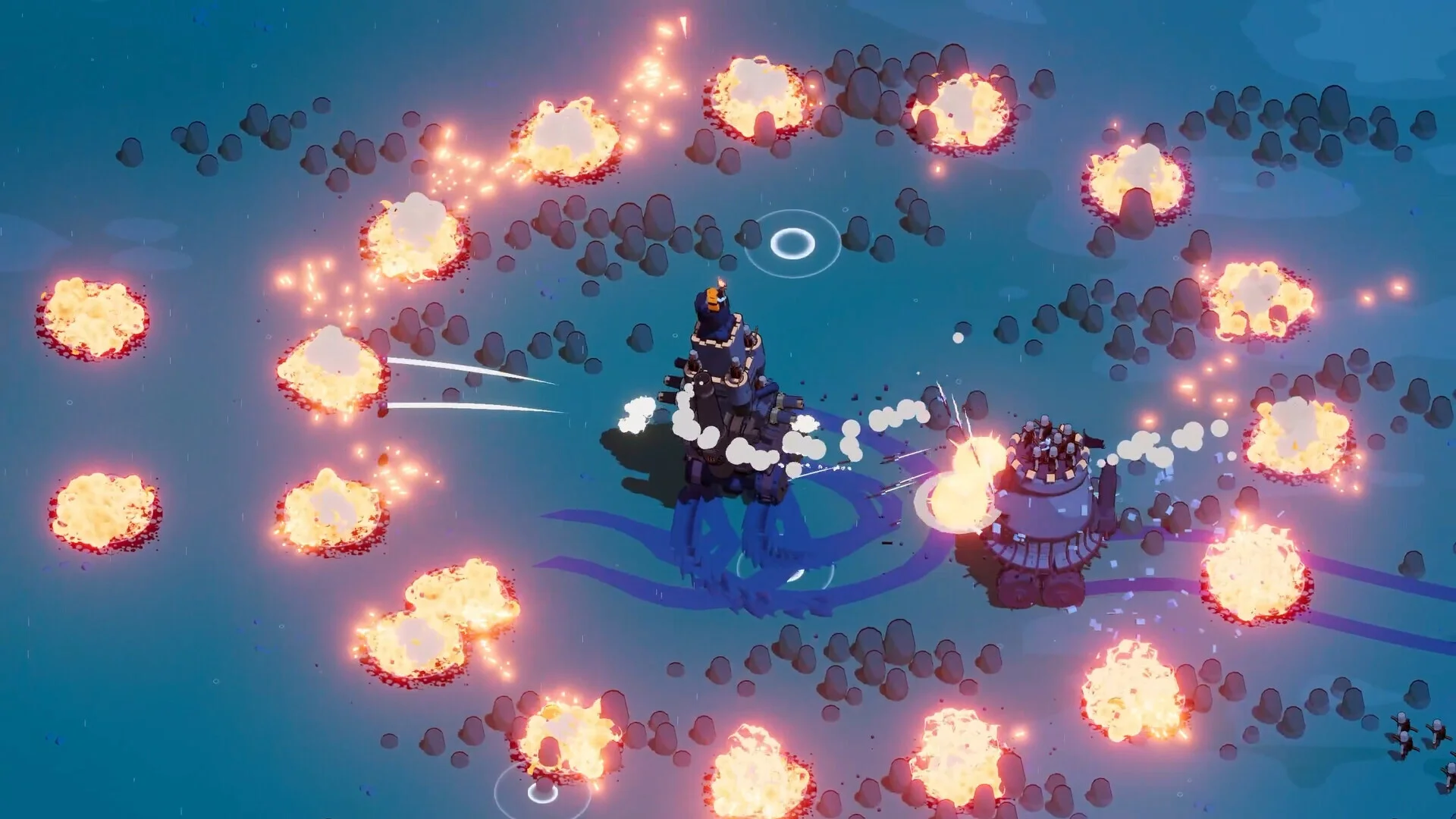
The author’s Steam guide describes a rolling 20-second damage view, each weapon’s contribution and comparisons of numerical upgrade choices. Treat the result as a picture of recent combat, not as an official replacement for the settings option. It cannot tell you that the same weapon will contribute the same share against a different enemy or with a different driving route.
Documented setup and controls
The author’s GitHub releases document BepInEx 6 for Unity IL2CPP on Windows x64 as a prerequisite. The inspected 0.6.0 alpha notes say to close the game, extract the mod release ZIP, put its DLL in the game’s BepInEx/plugins folder and start through Steam. BepInEx is installed separately; a source-code archive is not the packaged mod.
Follow the BepInEx IL2CPP installation documentation and the instructions attached to the release you actually choose. A Windows x64 setup is not evidence that the same procedure works on Steam Deck. Check the release’s stated game version before modifying an installation.
- F8: toggle the overlay.
- F7: toggle upgrade recommendations in the inspected 0.6.0 notes.
- F9: show model details in those notes.
The Steam author later mentions 0.7.0 interface changes. This page does not label 0.6.0 as the newest version: check your selected release for changed controls and compatibility.
First installation: create the plugin folders before copying the DLL
- Find the installation through Steam: right-click Wanderburg in your Library, then choose Manage → Browse local files.
- After installing the required BepInEx version, start Wanderburg once through Steam, then close it. The author says this creates the BepInEx folders. Copying the mod alone does not install its loader.
- Place
WanderburgDamageStats.dllinside that installation’sBepInEx/plugins/folder. Replacing an existing copy updates the mod; extracting the ZIP into an unrelated downloads folder does not. - Start through Steam and enter a run before checking the overlay. The author’s 0.7.0 comment says it stays hidden during starting loadout selection, so absence there alone is not a failed installation.
These steps combine the author’s installation instructions with the later interface note . They are a documented procedure, not a compatibility test on a newer game patch.
How to use an upgrade estimate
Separate “more modeled damage” from “better for this run.” Before following a suggested card, ask whether you can keep its weapon on target, whether the alternative supplies control or survival, and whether the model covers the special effect. A recent damage sample is useful evidence, but it is not a complete comparison of future encounters.
For example, if incoming projectiles are the reason you lose, compare a relevant defensive ability with the damage recommendation. For an active-heavy plan, compare ability access and your Captain’s recharge penalty. The build guide explains those trade-offs without requiring a mod.
Removing the mod or reporting a problem
The author’s removal instruction is to close the game and remove only BepInEx/plugins/WanderburgDamageStats.dll. Keep other plugins and saves separate from that operation. For a loading problem, open BepInEx/LogOutput.log and search for Wanderburg Damage Stats and use the project’s issue tracker . Report the mod version, game version, whether the overlay is missing during a run, and the matching log excerpt. Remove personal folder names before posting it. If the game itself will not start, use the launch-error diagnostic guide; an absent overlay and a game launch failure are different symptoms.
Looking for a trainer instead?
Damage Stats measures combat information. If you want to change gameplay values, see the Wanderburg trainer and version-check guide. A trainer listing does not establish Cheat Engine table compatibility.
Verification notes
Randwerk’s 0.9.13 announcement confirms the built-in settings option. The mod author’s Steam guide and GitHub releases belong to the same project and provide author documentation, not independent compatibility tests. No binary has been downloaded or tested for this guide, and no claim of developer endorsement or guaranteed safety is made.