WeMod lists a Wanderburg trainer for the Steam game, credited to ColonelRVH. Its page lists ten gameplay changes and a Windows-only client. This is a third-party tool, separate from the game’s developer and from the Damage Stats mod.
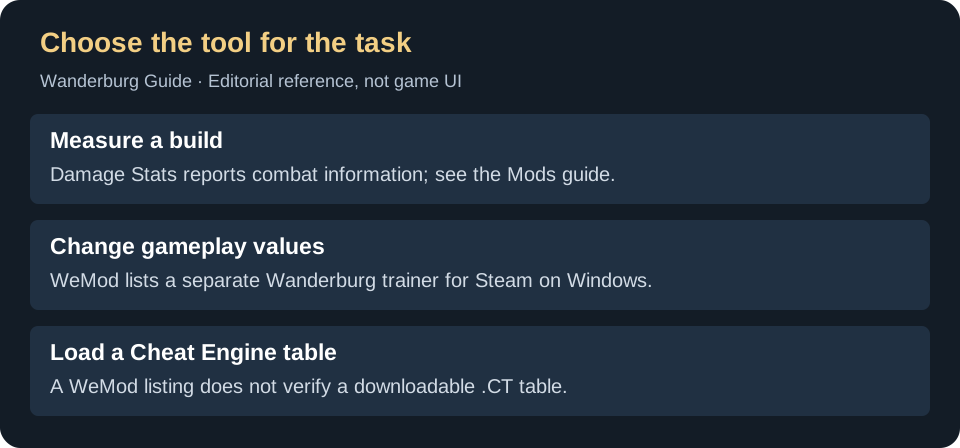
What does the listed trainer change?
The provider groups its options around player survival, ability recharge and Nitro; silver and gold; damage and enemy kills; wave timing and game speed; and movement speed. That makes it a tool for changing a run, rather than measuring an ordinary build’s damage. The listing is evidence that these options are advertised, not a test that each works on your installed patch.
Trainer, Damage Stats or Cheat Engine?
On a small screen, swipe the table sideways to compare all columns.
| Your task | Useful route | What would be a mistake? |
|---|---|---|
| Compare normal module damage | Read the Damage Stats setup and limitations. | Changing damage, cooldown or game speed and treating the result as an unmodified build benchmark. |
| Change the conditions of a solo run | Check the provider’s current trainer and supported game version. | Assuming that a trainer listing guarantees compatibility with every Early Access update. |
| Open a .CT file in Cheat Engine | Find a separately identifiable table author and matching game version. | Downloading an unrelated file because it uses the same game name. This guide has not verified a current Wanderburg .CT table. |
Before you use a trainer
- Open the provider’s Wanderburg listing . Check that it names the Steam game and the options you actually want.
- Check your installed game version. WeMod says its app detects the game version and indicates support. If your version is unsupported, request an update through the provider rather than treating the page title as confirmation.
- Keep modified results separate from normal-run notes. If you later compare builds, record whether any gameplay-changing options were active; otherwise the comparison answers a different question.
For ordinary progression, use reported builds and their requirements. If the game fails before it opens, follow the launch-error checks before adding another tool.
Verification notes
WeMod’s linked English product page was checked September 17, 2026. It establishes the advertised trainer, platform and provider workflow. No executable was downloaded, no trainer was run, and current patch compatibility, save effects, achievements and leaderboard behavior were not tested. No claim of universal safety, free access or game-developer endorsement is made.